How to use Gemmazetterl
Choose the document you want to prepare. The form and its guidance open together in one workspace.
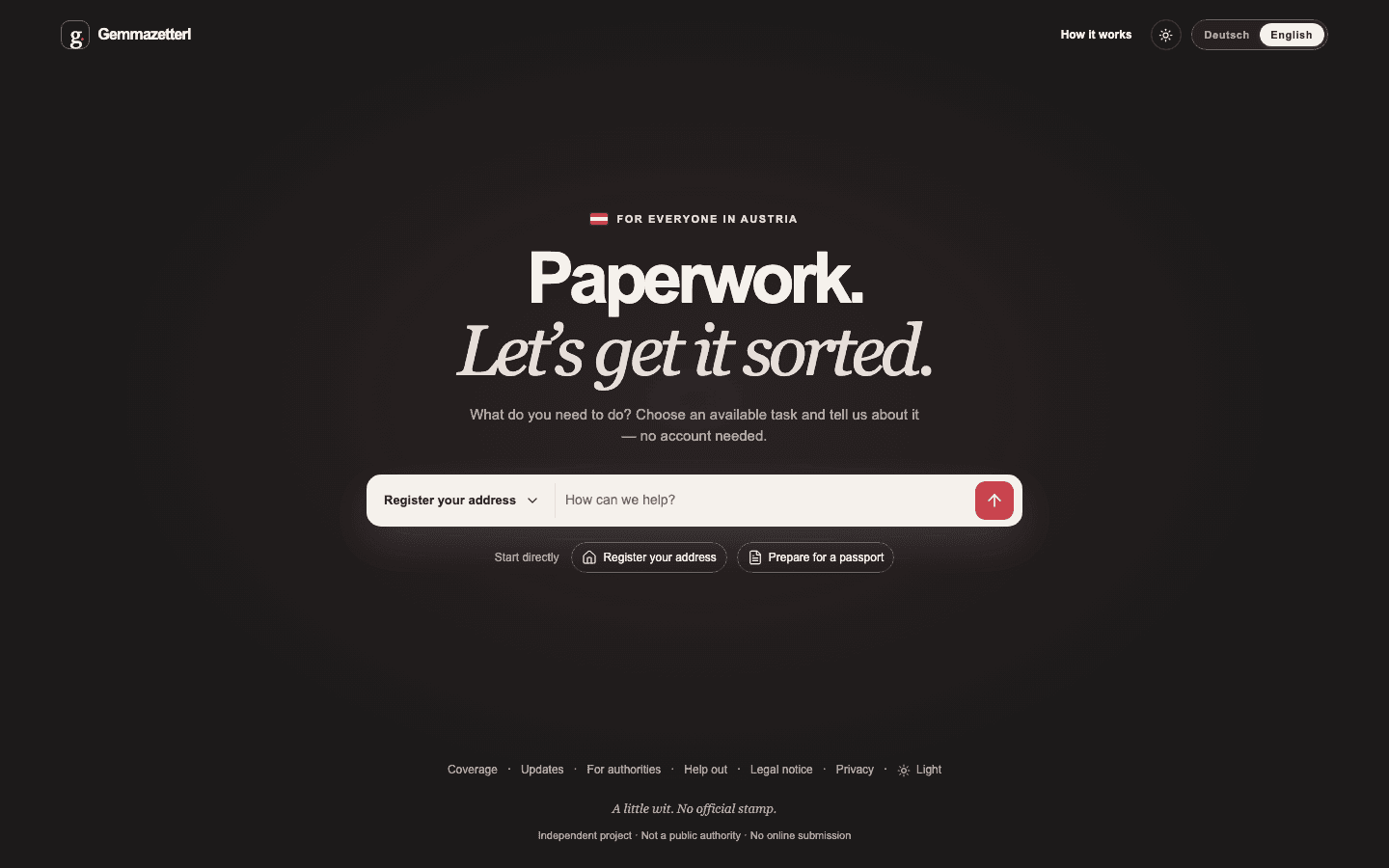
1. Choose a document
Select an available task on the home page. If you already have a question, add it there. You can also start without one.
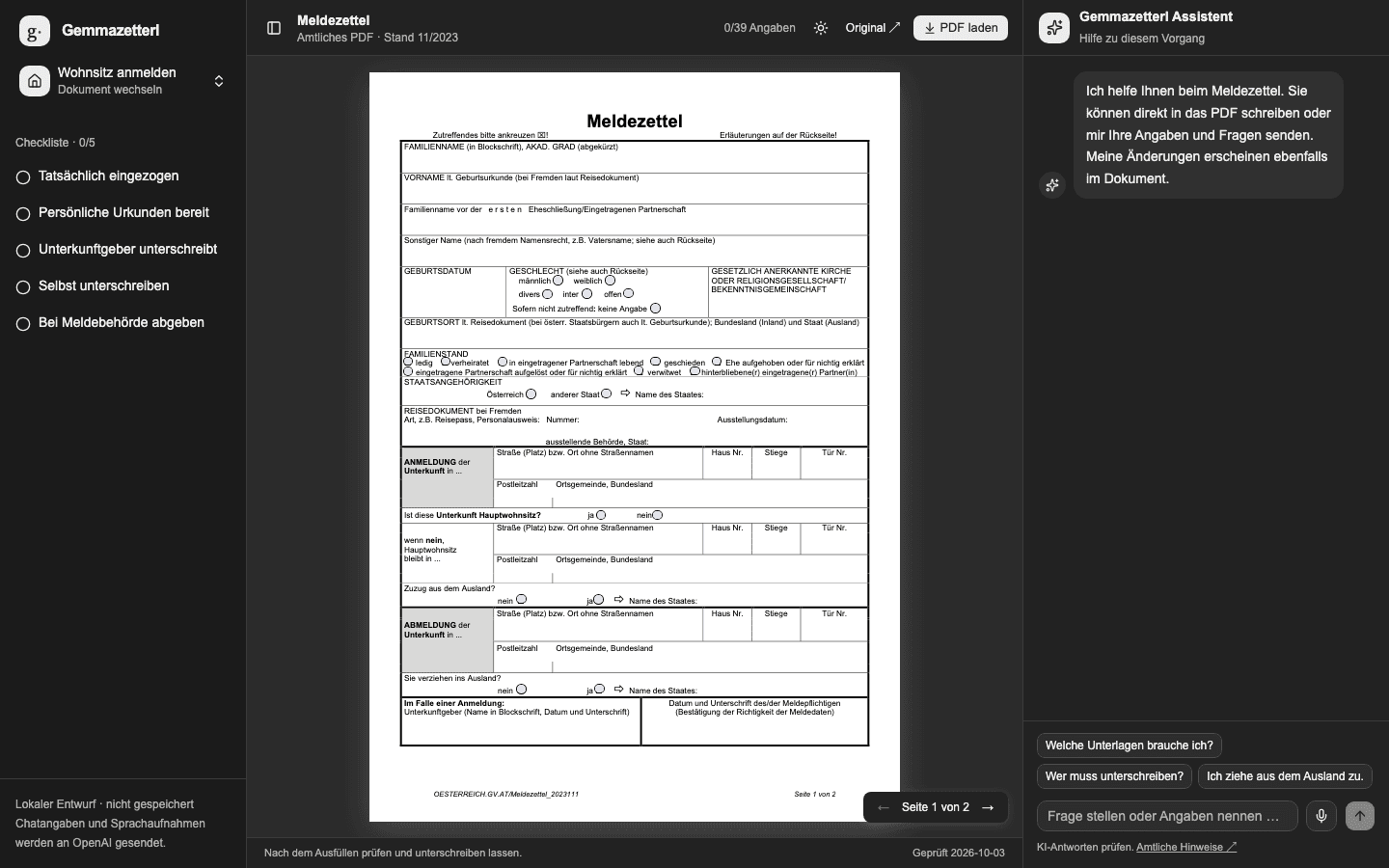
2. Add your details
Enter details directly in the PDF or describe them in chat. Check every detail added to the document, and use the checklist for what comes next.
3. Download the PDF
Download and check the completed PDF. Add any required signatures and submit it to the responsible office yourself. For private worksheets, you may need to transfer the details to the official form.